
2-Step Login
2-Step Login, also known as 2-Factor or Multi-Factor Authentication, provides an additional measure of security for your Wilmington University account.
Faculty and Staff are required to use 2-Step Login for access to most systems and services.
Students are required to use 2-Step Login for password reset and student email.
Text message and phone call methods for login verification (2nd-step) will no longer be available starting February 1, 2027. Please setup your WilmU account to use Microsoft Authenticator for your login verification.
How To Setup 2-Step Login:
- Login to WilmU Account Setup.
- Enter your Wilmington University email address.
- For students, the format is flastname001@my.wilmu.edu
- For employees, the format is firstname.m.lastname@wilmu.edu
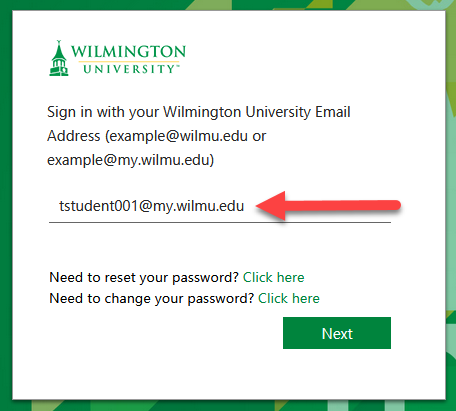
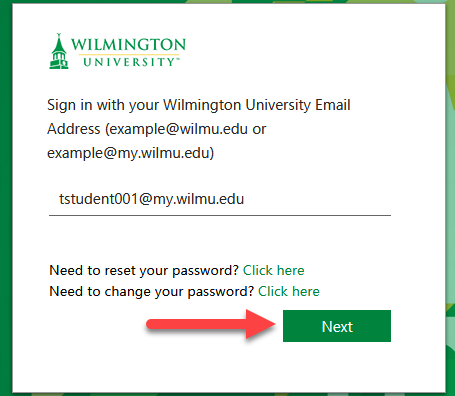
- Click Next. This will bring you to Wilmington University’s log in page.
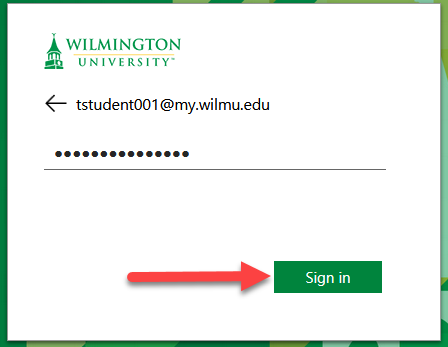
- Enter your Wilmington University password and click Sign In.
- Enter your Wilmington University email address.
- After selecting the email icon and entering your credentials, select Next.
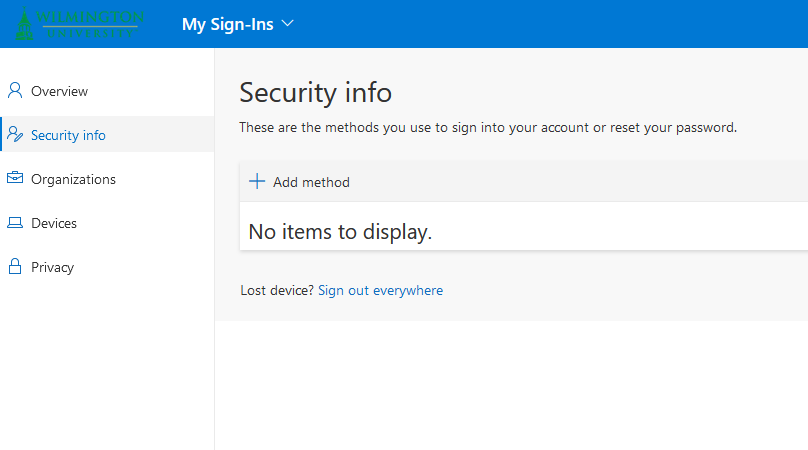
Account Security info page - Add at least two methods for 2-step login. A summary of each method is listed below.
- Two methods will be required for additional security and self-service features of your WilmU account.
- Select Add method, then select an option from the list.
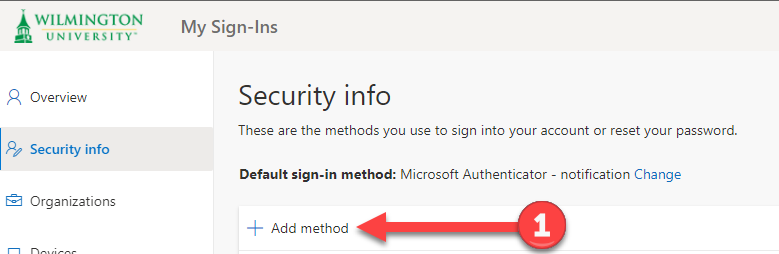
Add a method on the Security info page
- Authenticator App
For this method, you will need to install the Microsoft Authenticator app on your smartphone, available for Apple iOS and Android Google Play. With Microsoft Authenticator configured, this is the simplest method for 2-step login—after you enter your password, you can simply tap “Approve” in the app to complete your login. No need to enter a code!
See How to Setup Microsoft Authenticator App to Verify Your Login.
- Authenticator App